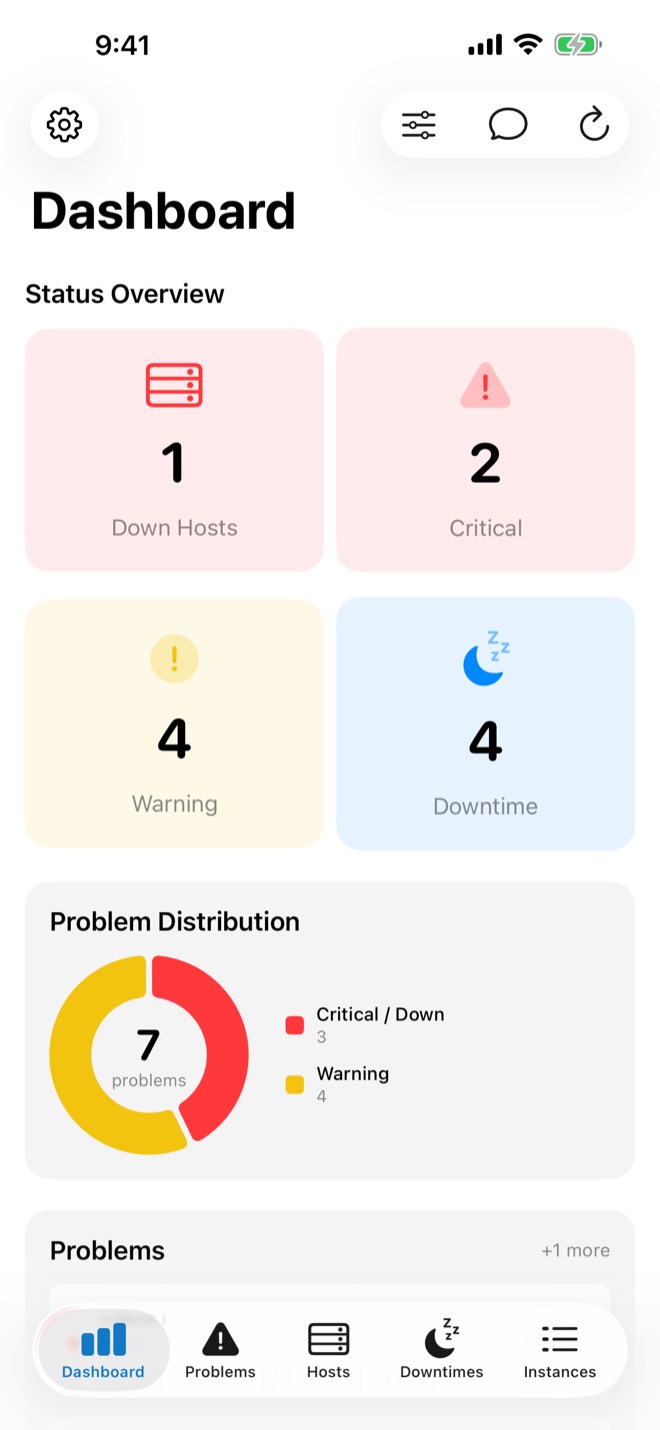
All systems.
One glance.
easyNag is the iPhone, iPad & Mac app for Nagios, checkmk, Icinga, Thruk, Centreon and OP5. Push alerts the moment something breaks, and acknowledge or schedule downtime right from the notification. No server-side changes needed to connect.
Alerts that wake you up.
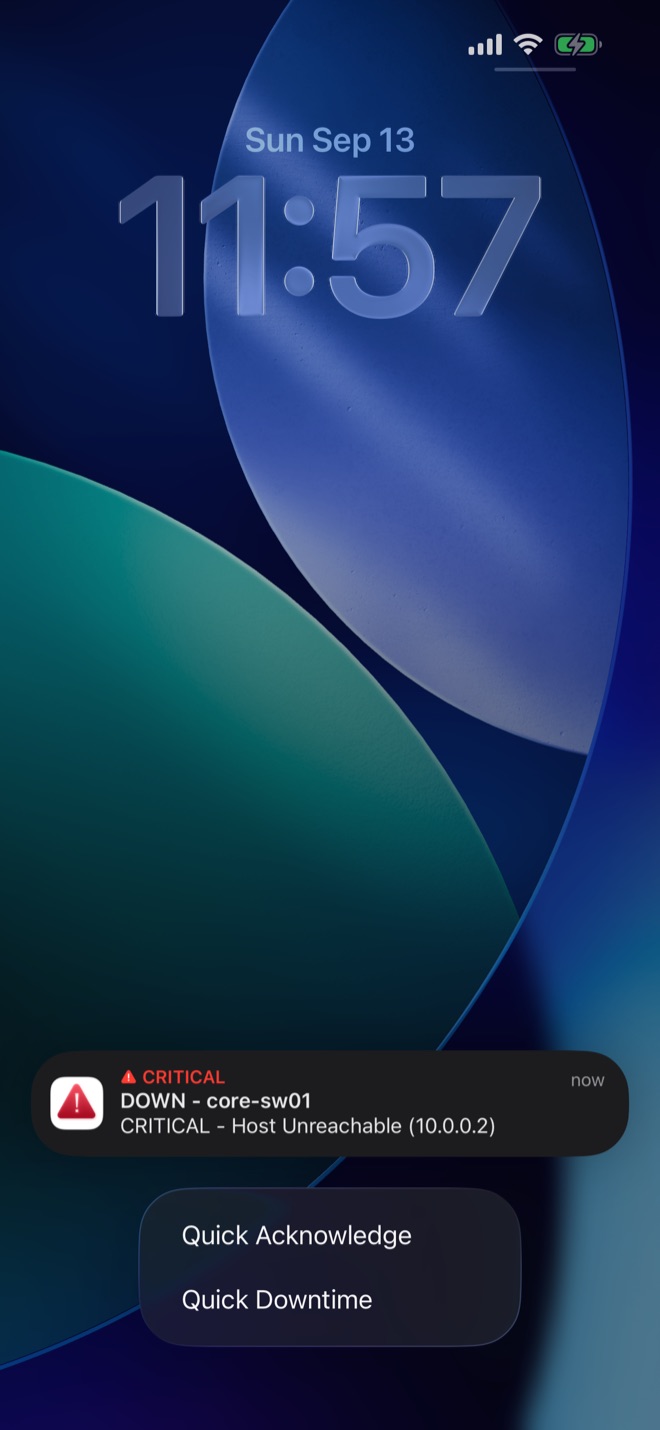
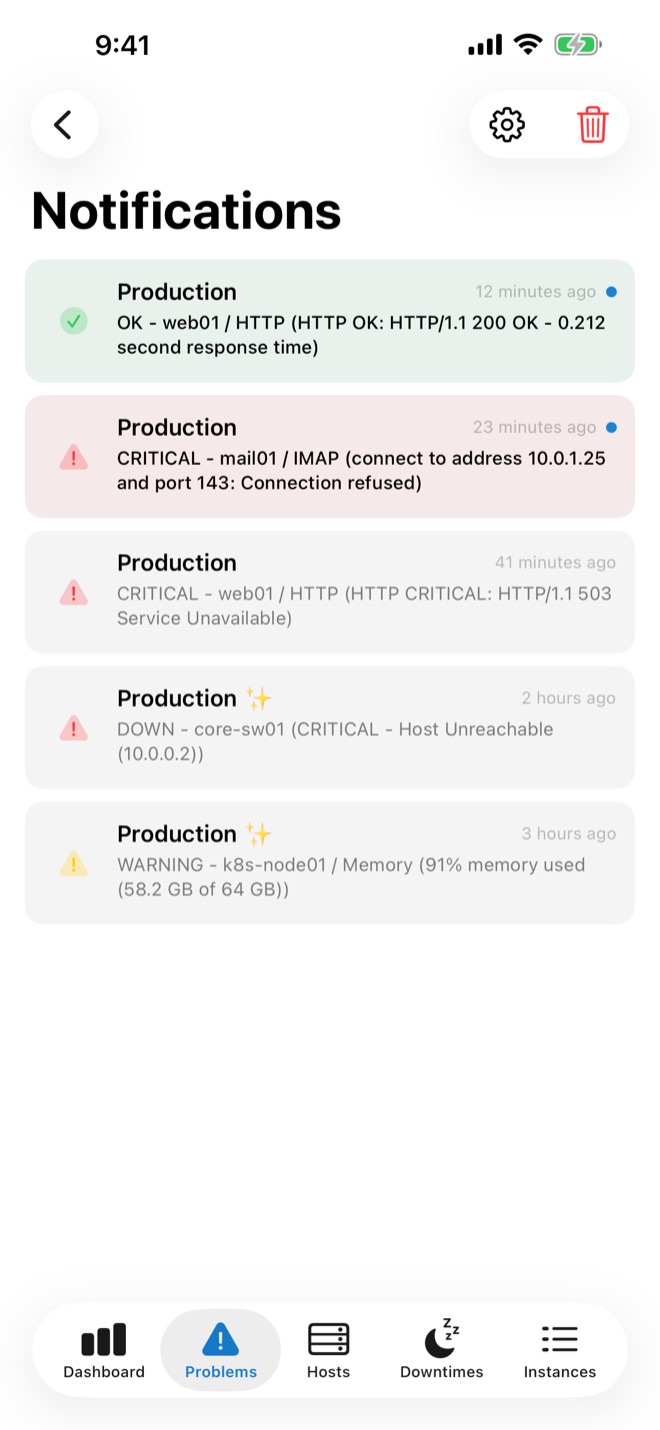
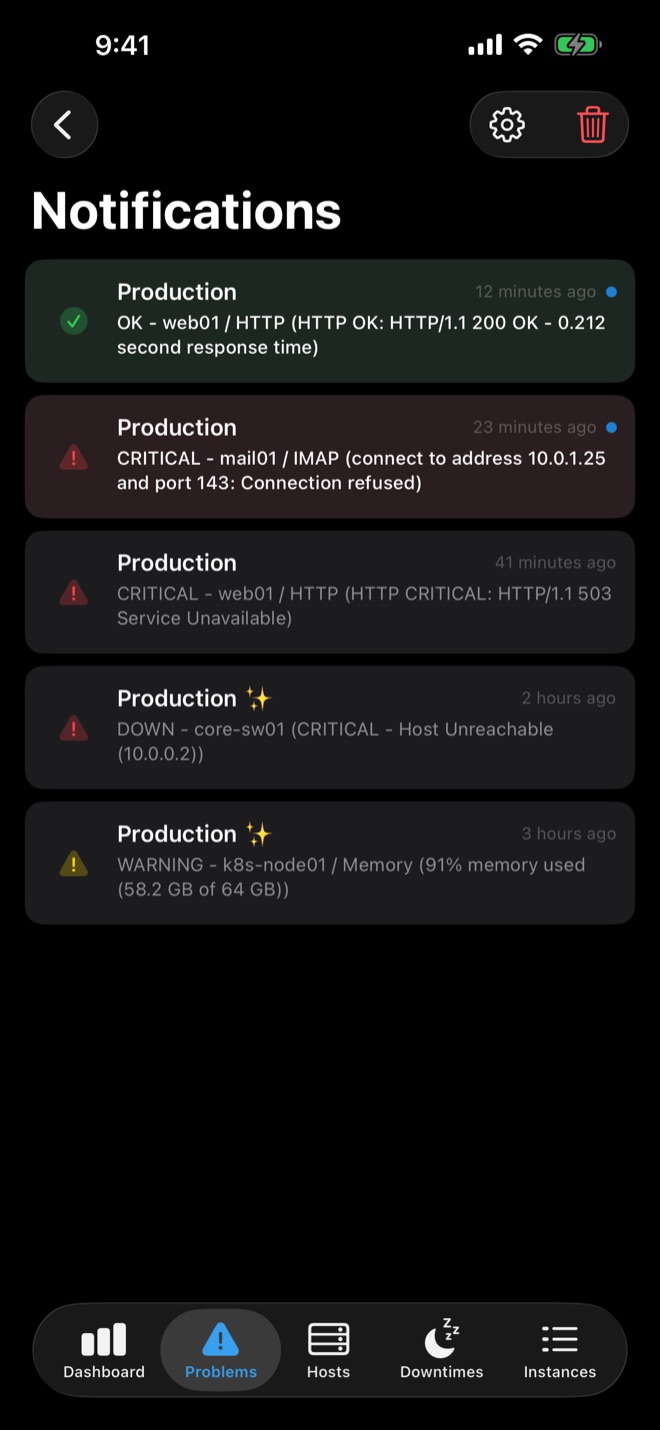
Alerts from your monitoring system arrive as native push notifications on all your devices. Long-press one to act on it right away.
- Quick Acknowledge and Quick Downtime straight from the notification.
- Critical Alerts break through the mute switch and Do Not Disturb.
- Quiet Hours and custom sounds for calm nights off duty.
- Ready-made scripts for checkmk, Icinga 2, Nagios and Centreon: push setup guide.
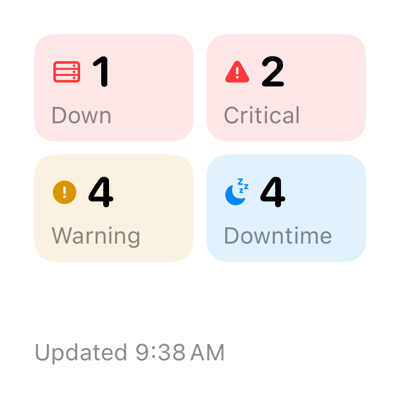
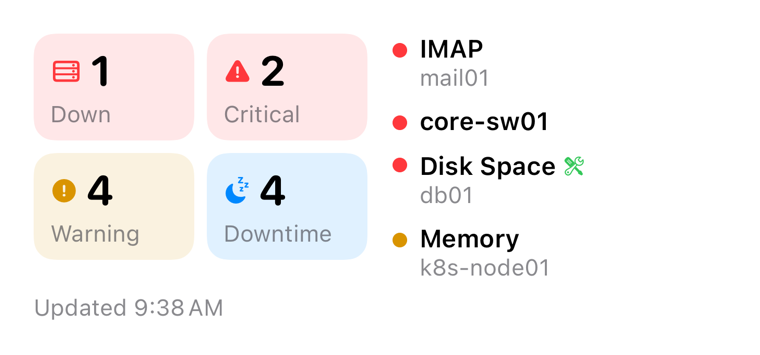
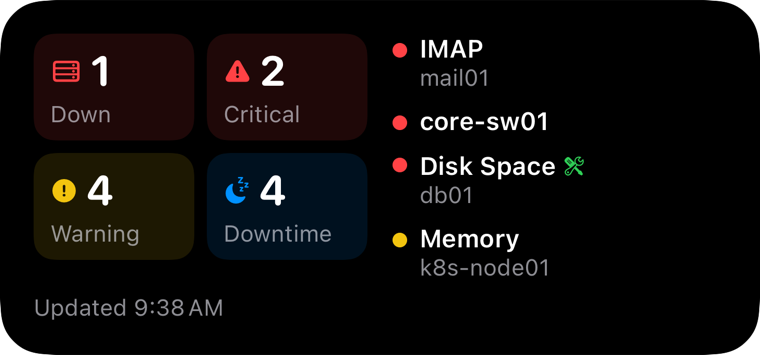
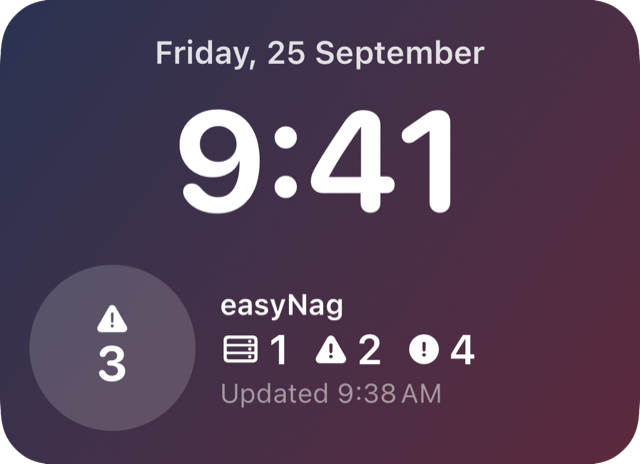
Widgets for your Home & Lock Screen.
Critical, warning and down, right on screen. The widgets count across all your instances, with the same filters as the app.
- Small and medium Home Screen widgets, the medium one with the most urgent problems.
- Lock Screen widgets, round or rectangular.
- Tap to jump straight into the app.
Acknowledge with one swipe.
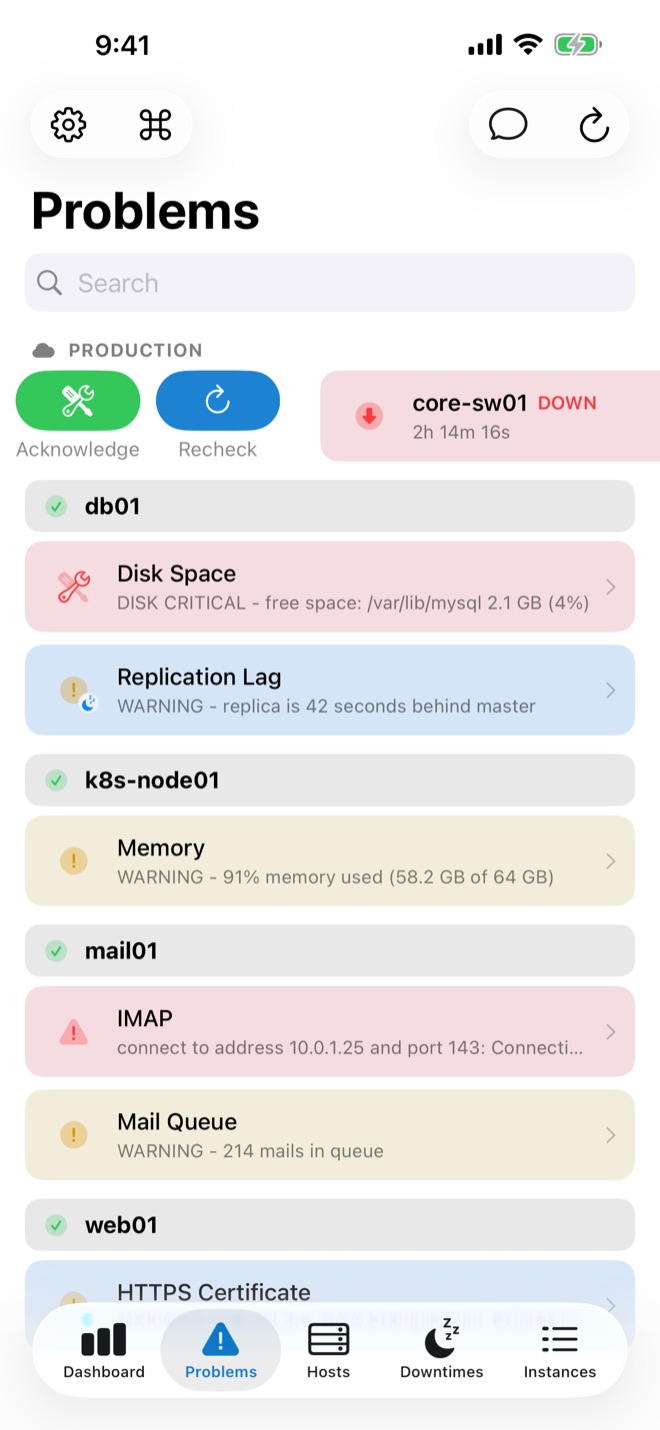
Everything you would open the web interface for, one tap away.
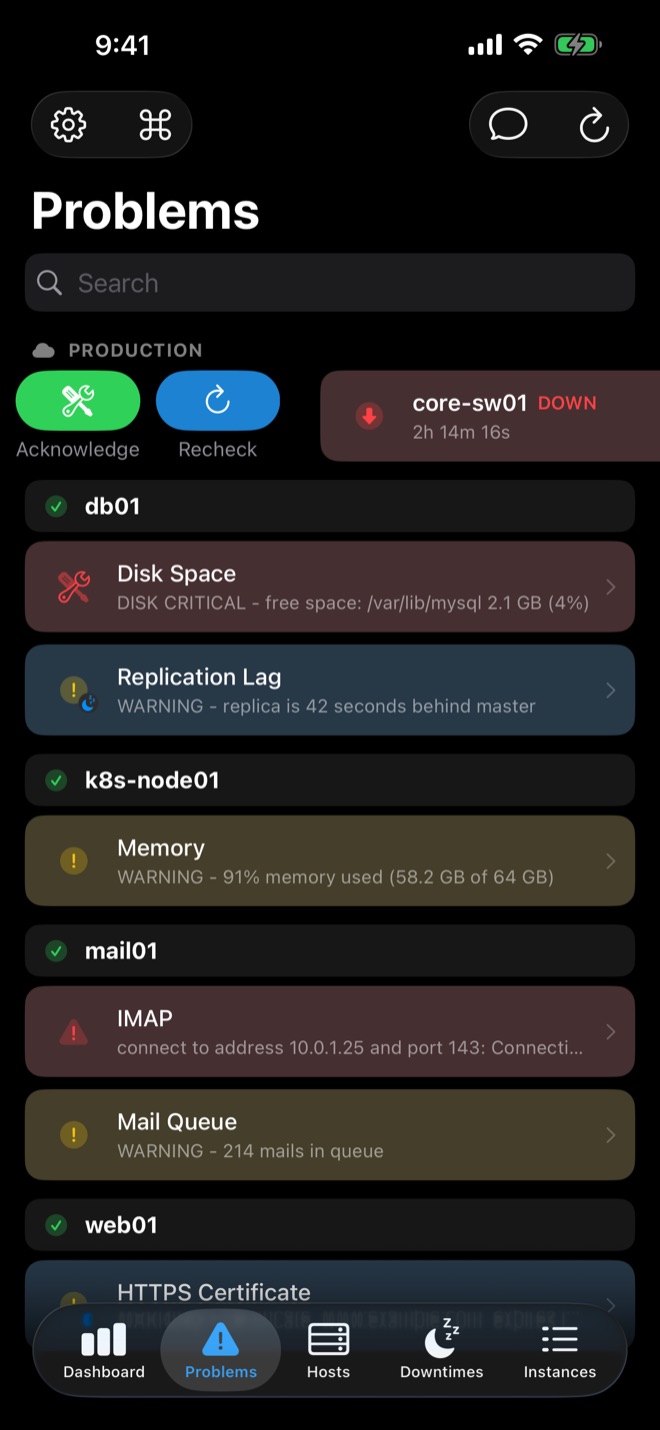
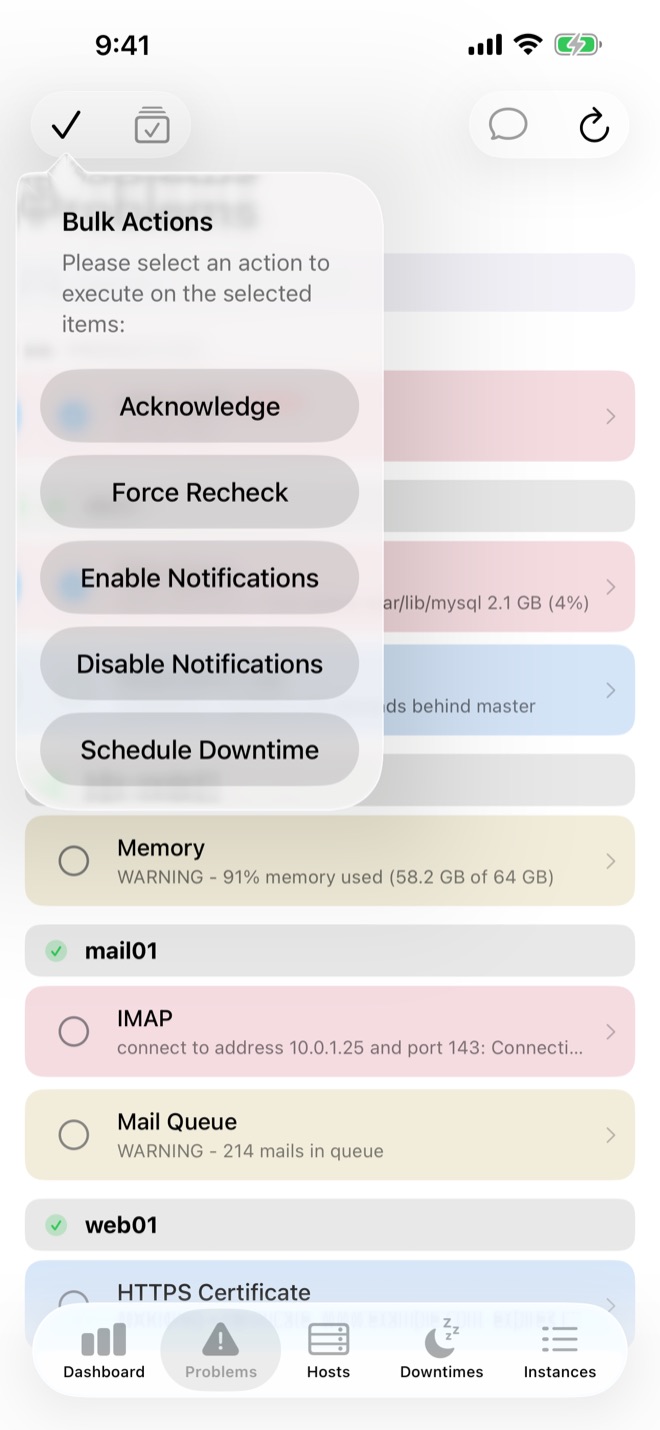
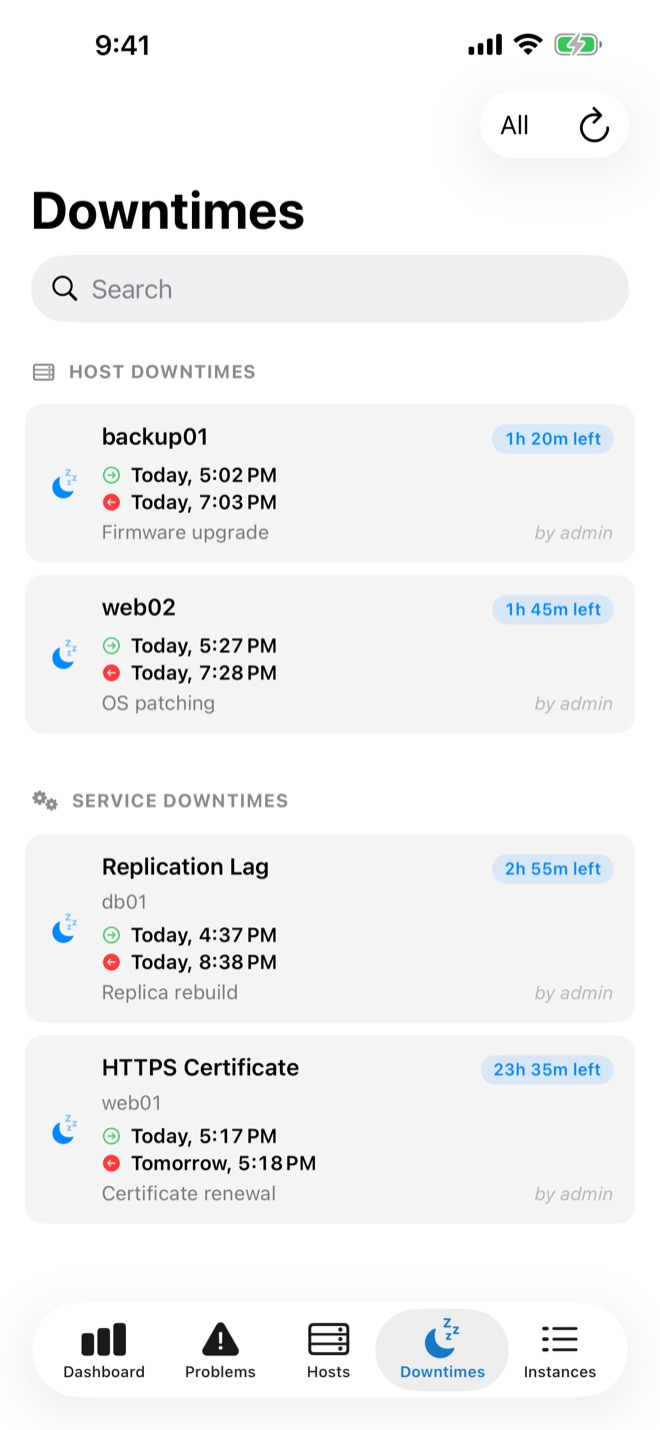
- Swipe any problem to acknowledge, recheck or schedule downtime.
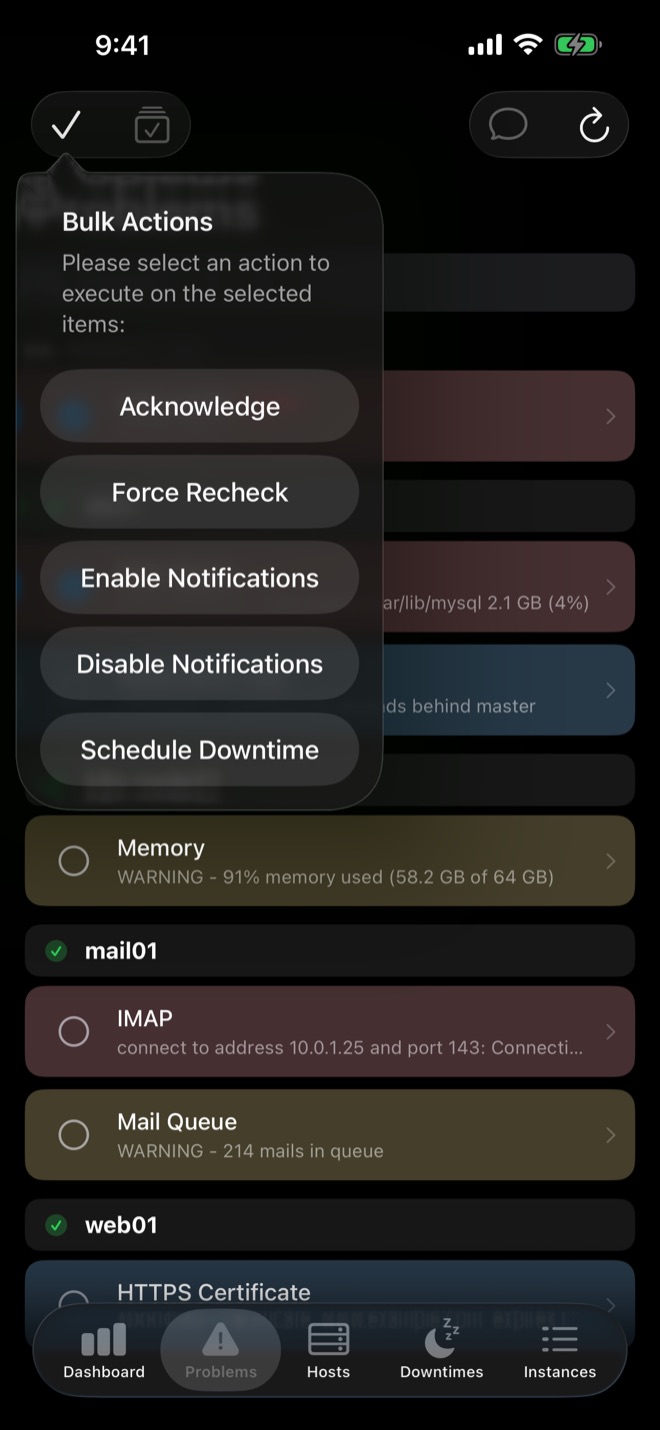
- Bulk actions: select many, act once.
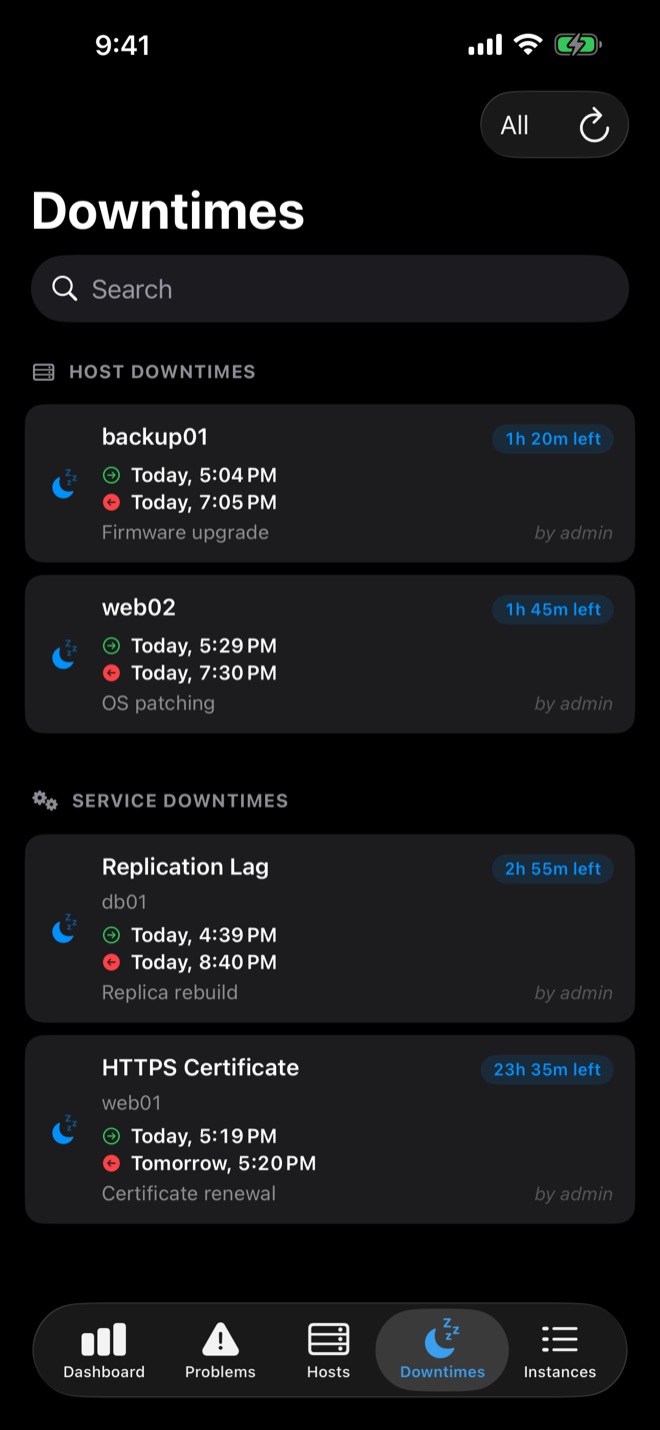
- Acknowledgements with comment and expiry, downtimes, notifications on or off, depending on your monitoring system.
- Master Control and Clear Logs for checkmk Multisite.
Built for the admin on call.
Face ID & Touch ID
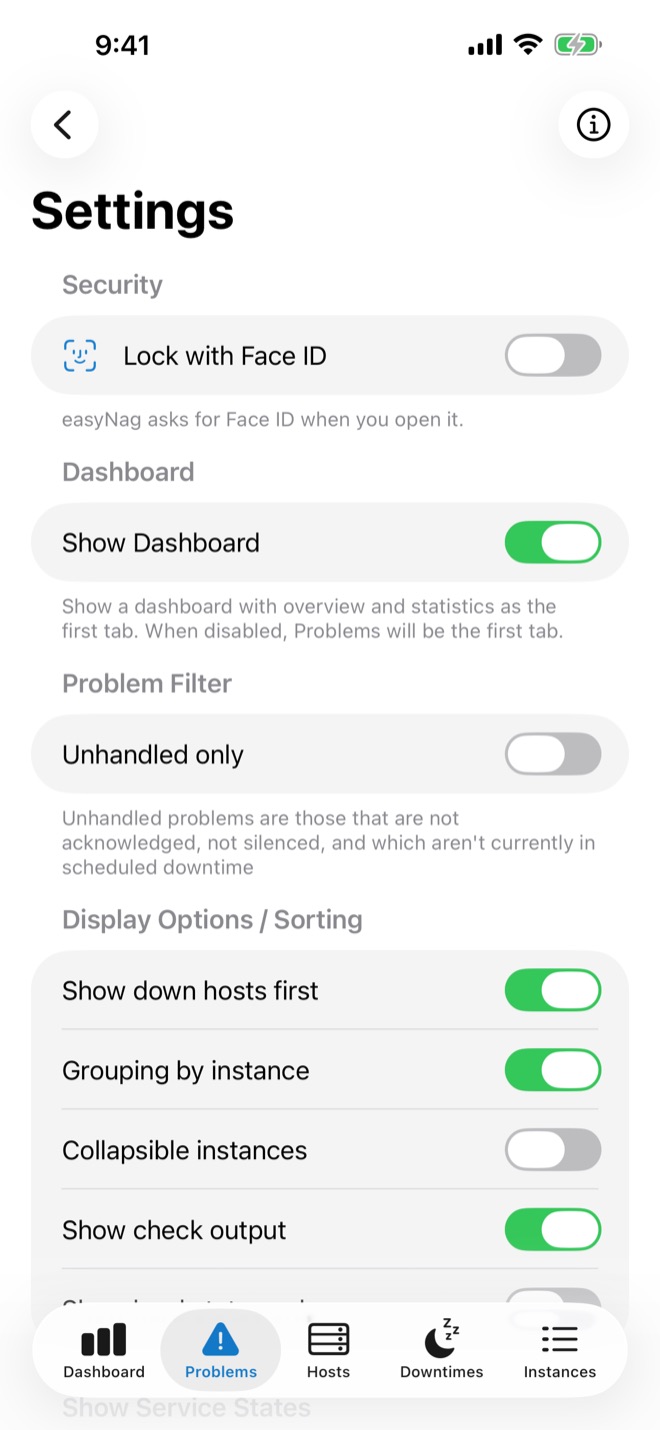
Lock easyNag with Face ID, Touch ID or your passcode.
Private by design
Your credentials stay on your device, and easyNag connects to your monitoring directly. No cloud sync, no tracking. Client certificates supported.
All your instances
Several monitoring servers, datacenters or customers in one app, counted together or by instance.
Search by name or IP
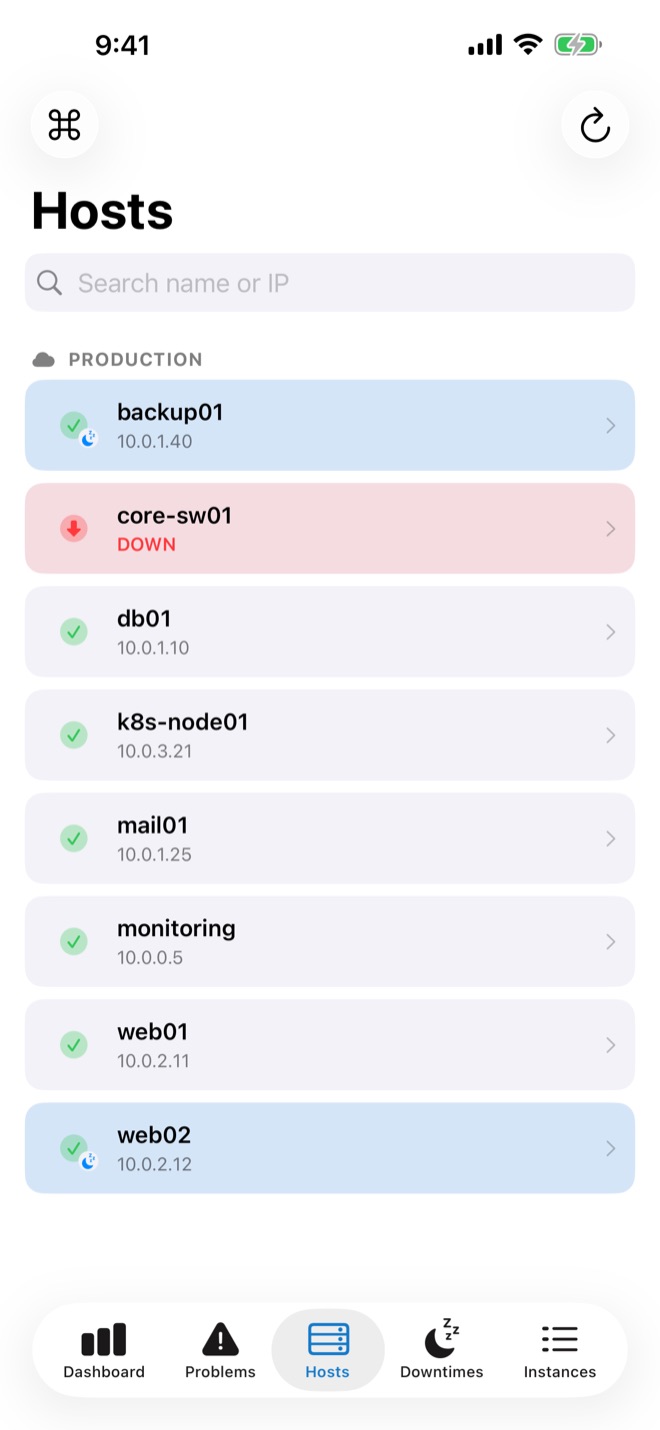
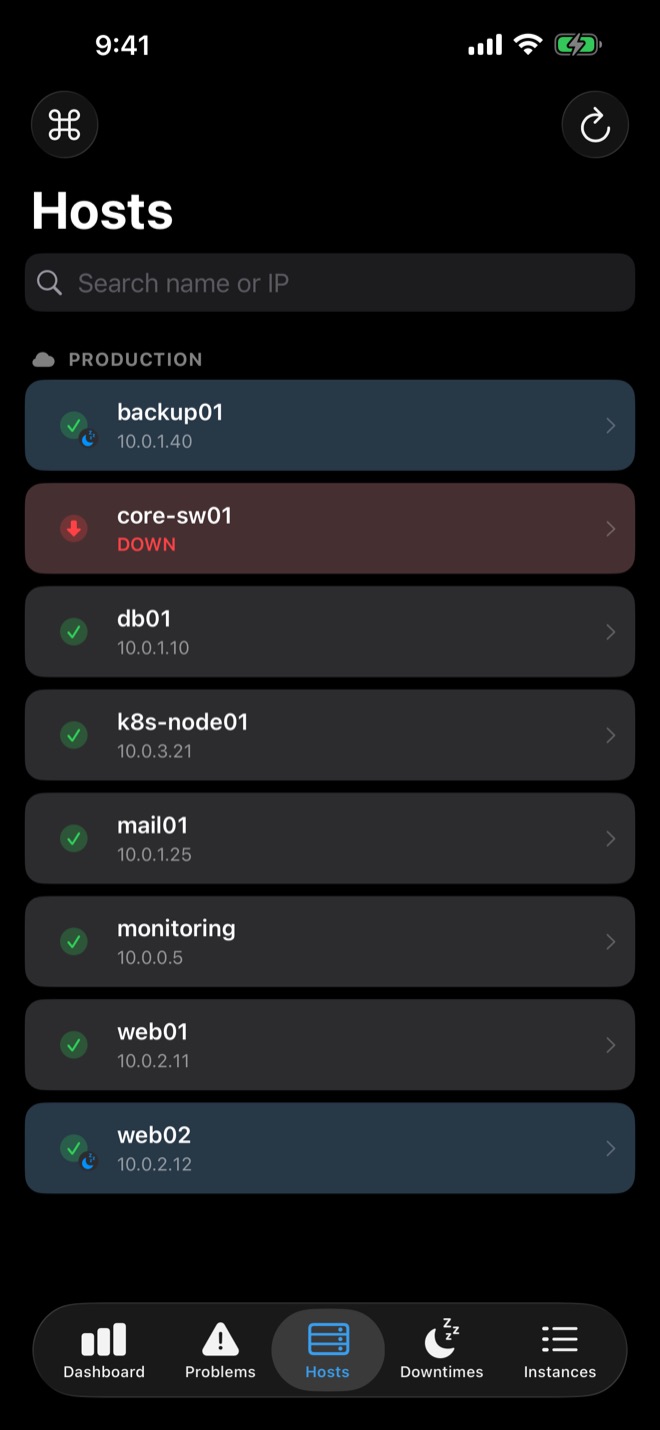
Find any host by name or address, and any service within a host.
Filters that fit
Unhandled only, states, sorting, and regex keywords to hide noisy hosts or services.
iPhone, iPad & Mac
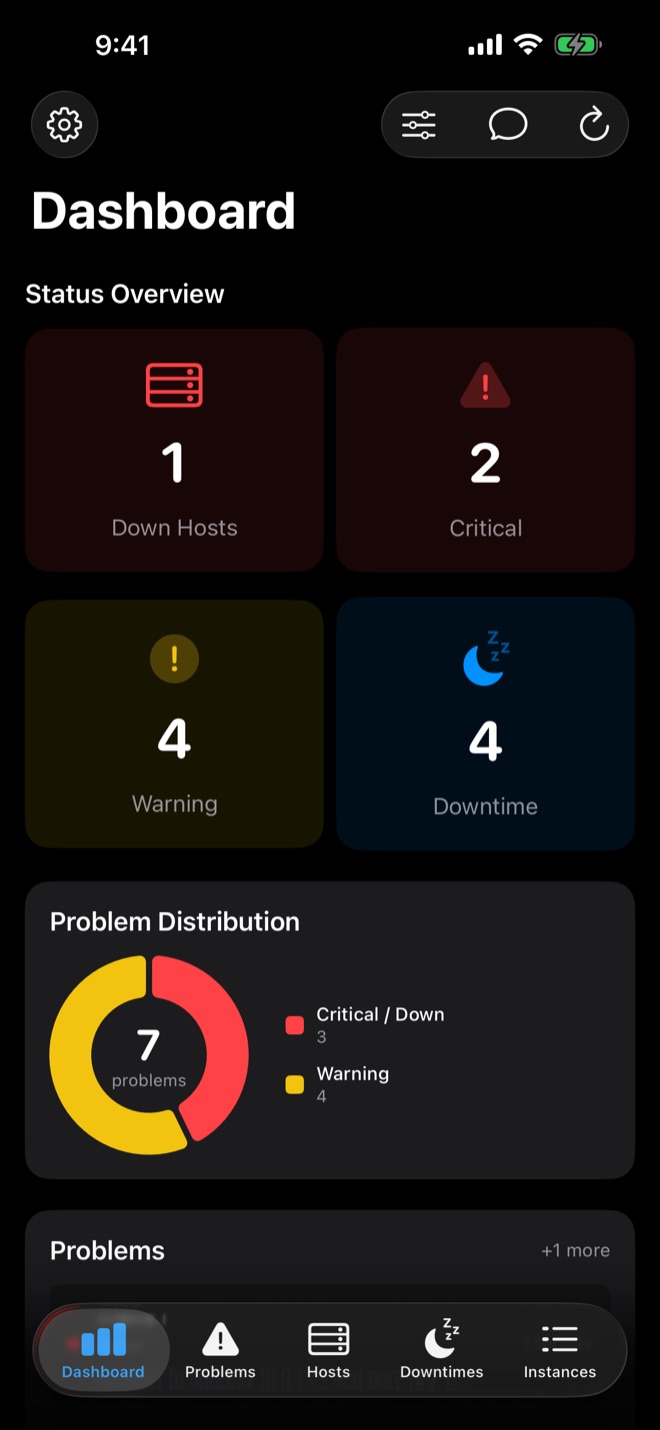
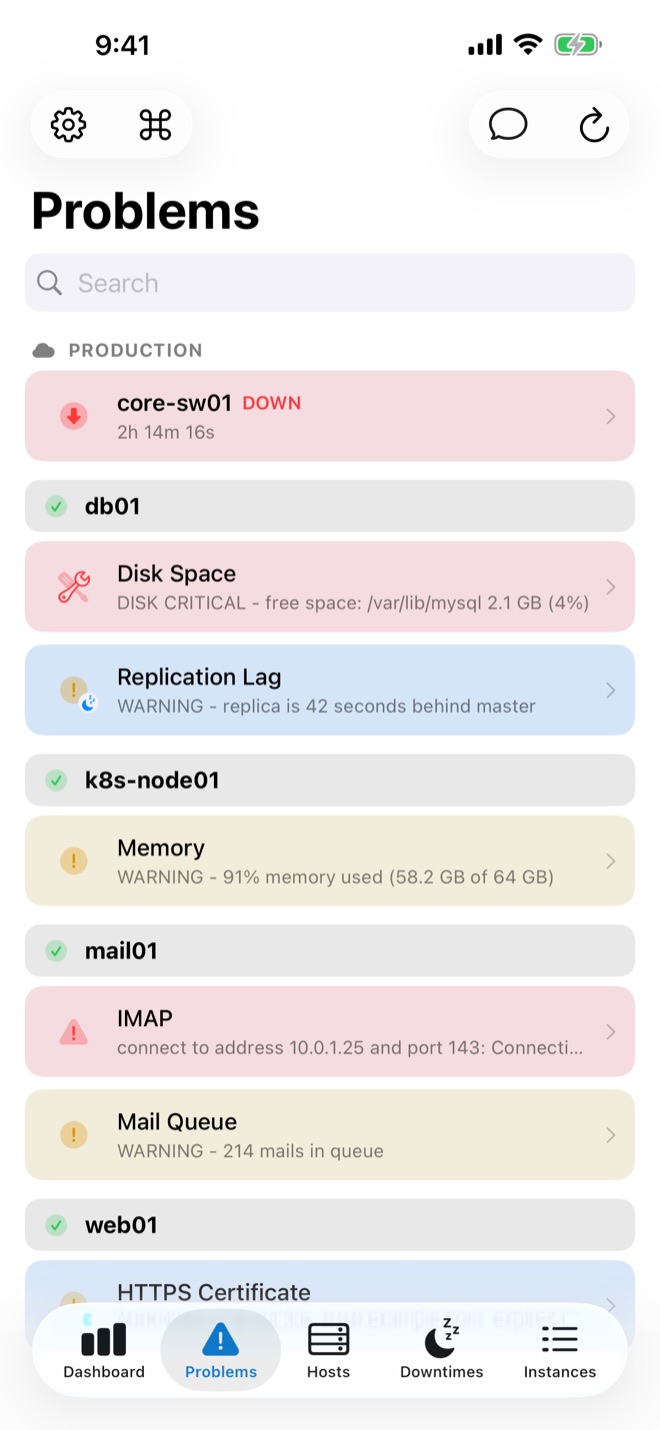
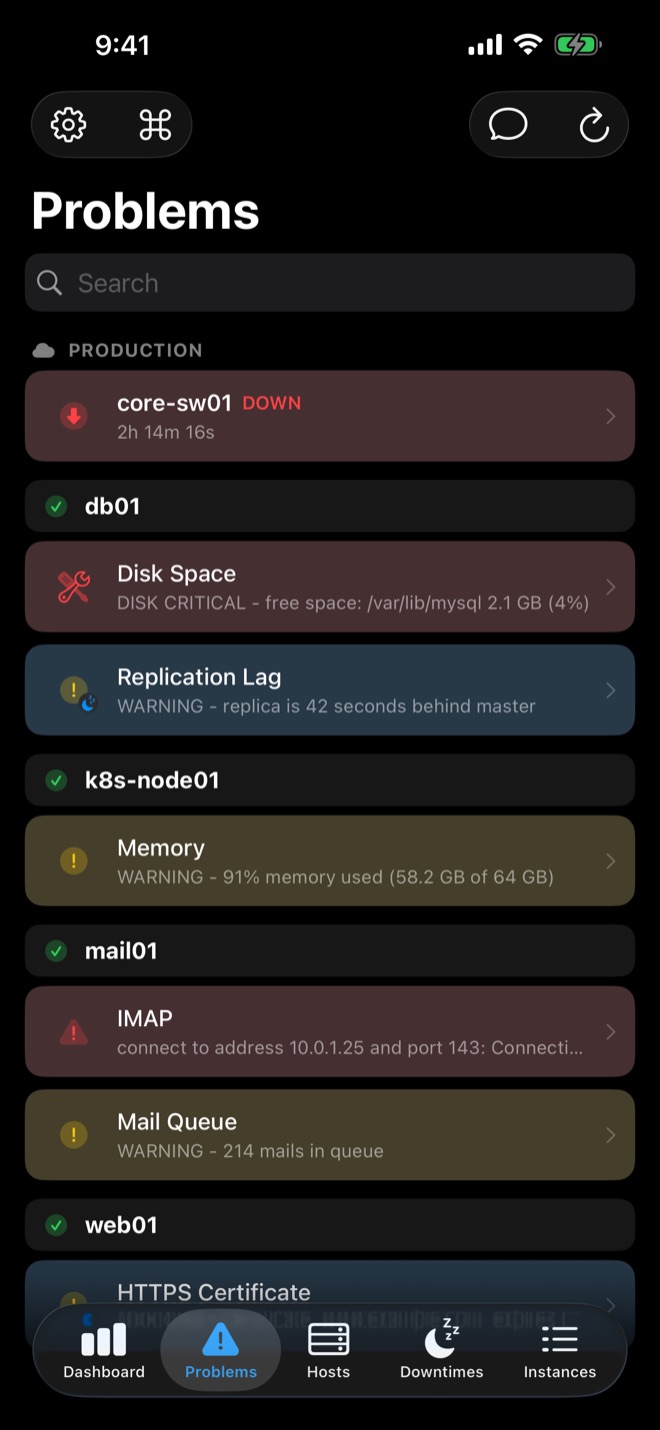
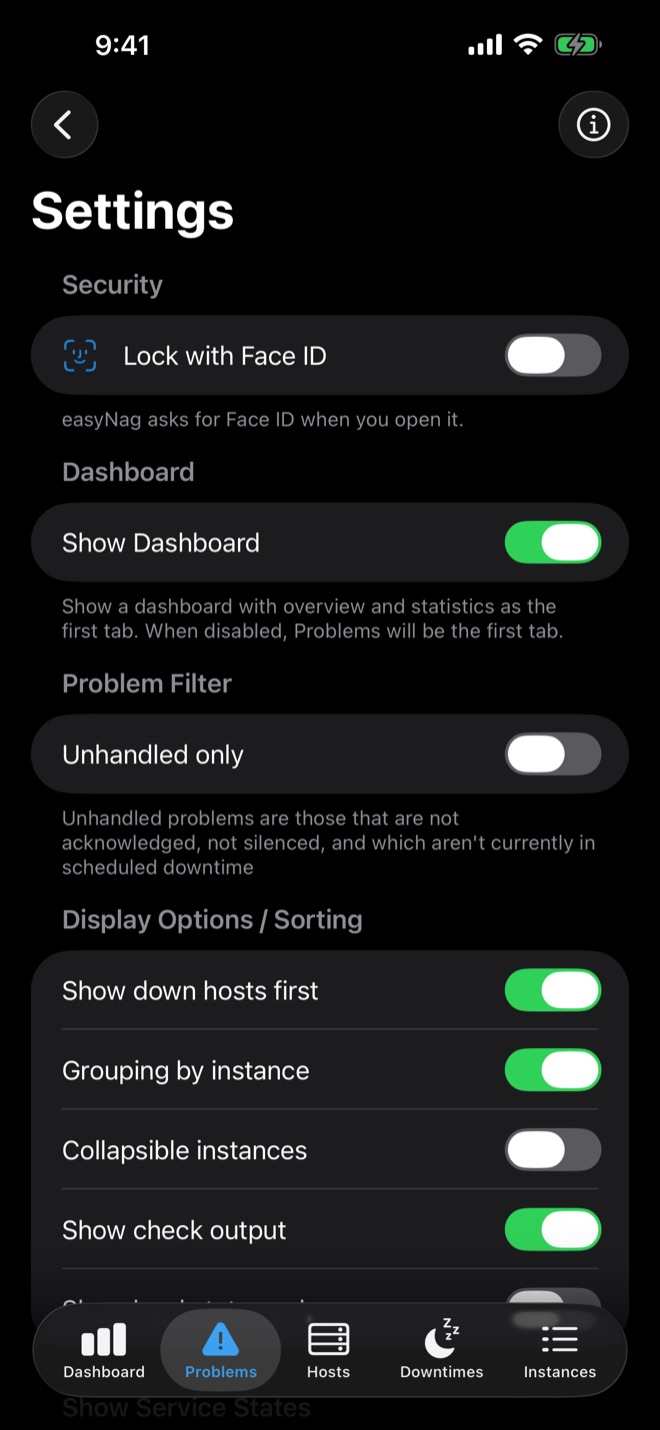
One app with a layout for every screen, in light and dark mode.
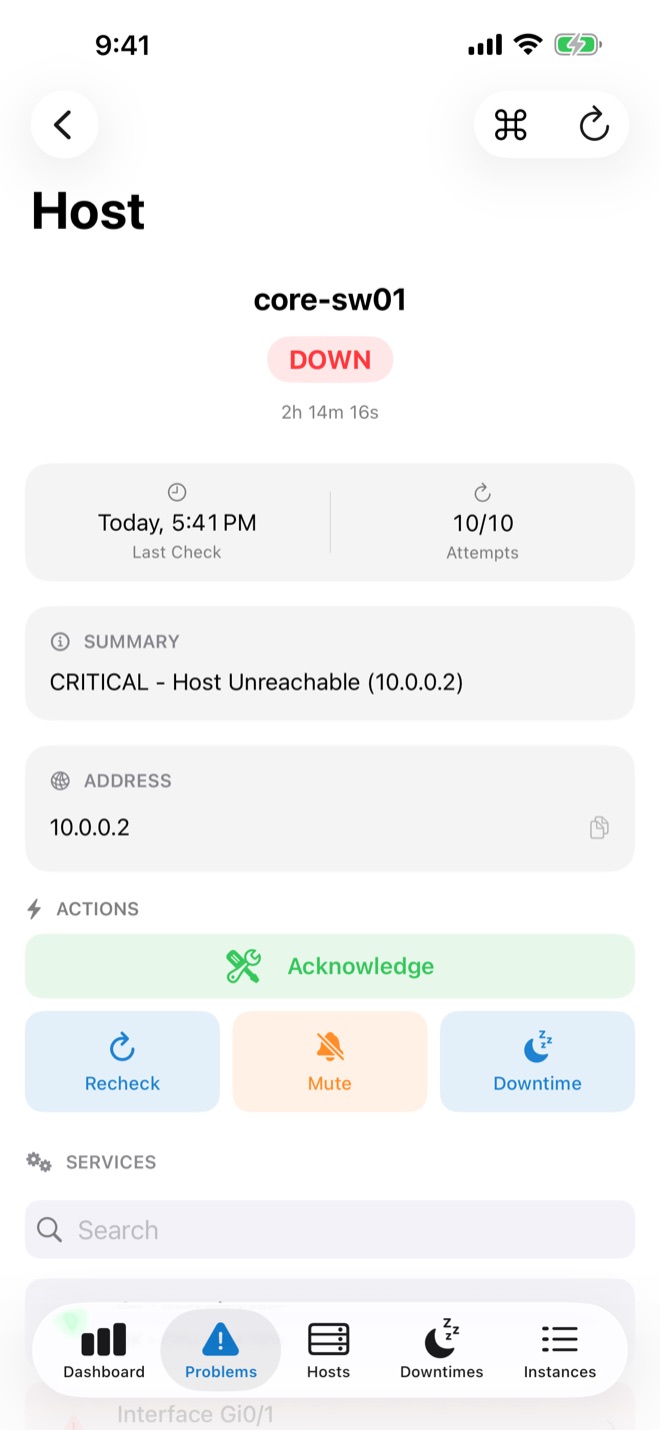
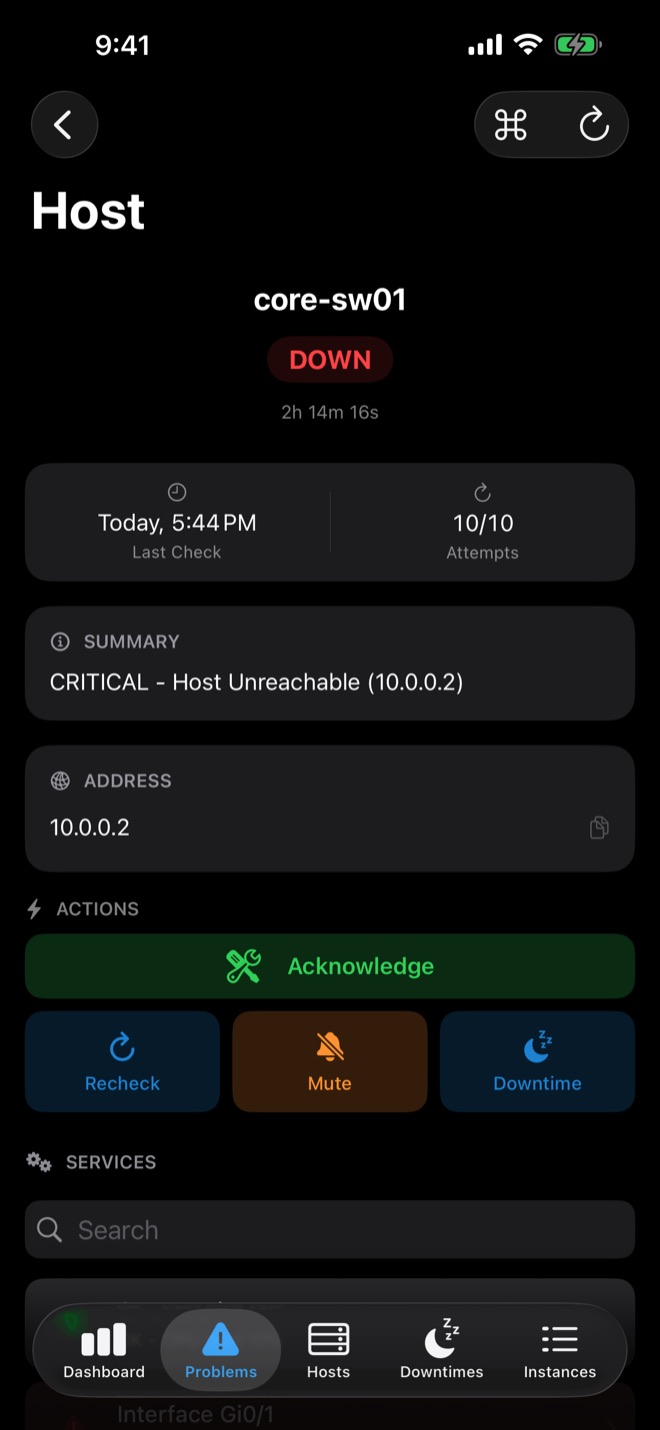
Every host. Every detail.
A quick overview, and every detail one tap away.
What users are saying.
Super App für Sysadmins
Wir verwenden die App um von unterwegs und in der Bereitschaft unser Monitoring im Blick zu behalten. Eingebunden sind die Instanzen über Icingaweb2. Sehr einfache und komfortable Bedienung mit guter Übersicht und nützlichen Funktionen. Vielen Dank an Mario, den Entwickler, der ziemlich jeden Feature Request umsetzt!
Even better than before
Mario has done it again! The successor to easyNag is here, and it's faster and more capable than before! I manage many monitoring servers, and sometimes, I just want to focus on one and leave the rest collapsed, out of sight, and out of mind. If you're managing Check_MK like I am, this is THE app to buy! Keep up the great work, Mario!
Use it everyday
Quick and easy, much faster than the web interface for sure. Super responsive developer too!
Uitstekende app voor actieve monitoring
Ik gebruik de app van Mario al jaren met veel plezier in combinatie met onze Icinga server. De app werkt bijzonder snel en heeft alle voor mij benodigde opties. Mis ik iets of werkt iets niet dan volstaat een e-mail naar Mario en wordt het zeer snel opgelost. Mijn complimenten!
Great app, using it daily
It is the app I use the most on my phone, it just works great. And if you want to contact the app developer to request a feature, Mario is very responsive and understanding. Worth the price!
Works great
This app works well with CheckMK (Nagios frontend). Does everything I need it to do. Nice job.
Funktioniert perfekt mit Icinga2
Super umgesetzt, schnell und übersichtlich. Die aktuell beste iOS App für icinga2 die es im AppStore gibt. Sowohl über icingaweb2 als auch über die API sind alle wichtigen Funktionen verwendbar.
Connected in minutes.
No agents, no proxies, no server-side changes: easyNag talks to the interfaces your monitoring system already has.
Add your instance
Enter your monitoring system's URL, username and password. Works with checkmk, Nagios, Nagios XI, Icinga, Thruk, Centreon and OP5.
Turn on push alerts
Add the easyNag notification script to your monitoring server. Ready-made scripts and step-by-step instructions are in the push setup guide.
Act from anywhere
Acknowledge or schedule downtime from the notification, everything else in the app.
Notification plans.
Every month includes a number of push notifications. A plan raises the limit for all your devices.
Without a plan
Included, to get started.
Small
For a few hosts or a single admin.
Medium
For larger setups and teams.
Unlimited
No limit, for busy on-call rotations.
Subscribe in the app, prices are shown there. Limits reset on the first of every month at 00:00 UTC.
Guides for your monitoring stack.
Setup guides for each monitoring system.
Nagios push notifications on iPhone
Nagios Core alerts as push notifications on your iPhone.
Read the guide → checkmkcheckmk push notifications on iPhone
checkmk alerts as push notifications, with actions.
Read the guide → Icinga 2Icinga 2 push notifications on iPhone
Icinga 2 alerts on iOS, via the API or Icinga Web.
Read the guide → Nagios XINagios XI on iPhone
Nagios XI via its API, with push notifications.
Read the guide → CentreonCentreon on iPhone
Centreon via its API on iPhone and iPad.
Read the guide → ThrukThruk on iPhone
Thruk, including Naemon and OMD setups.
Read the guide → OP5OP5 Monitor on iPhone
OP5 Monitor hosts and services on iPhone and iPad.
Read the guide → WorkflowAcknowledge alerts from your phone
Acknowledge from the notification or the app.
Read the guide → WorkflowSchedule downtime from your phone
Schedule and remove host and service downtimes.
Read the guide → On-callCritical Alerts for on-call
Alerts that break through Do Not Disturb.
Read the guide →Frequently asked questions.
How do I get push notifications from my monitoring system?
Can I acknowledge an alert without opening the app?
Do I need to change anything on my monitoring server?
Which monitoring systems does easyNag support?
Can monitoring alerts bypass Do Not Disturb or the mute switch on iOS?
How much does easyNag cost?
Is my monitoring data safe with easyNag?
Does easyNag work on iPad and Mac?
Can I manage multiple monitoring servers in one app?

Your monitoring, in your pocket.
Push alerts, one-tap acknowledgements and widgets for Nagios, checkmk, Icinga and more. No server-side changes.
Download on theApp StoreiPhone, iPad & Mac