
1. From the push notification
Long-press an easyNag notification and tap Quick Acknowledge. The app doesn't need to open. This requires push notifications, see the push setup page.
2. With a swipe
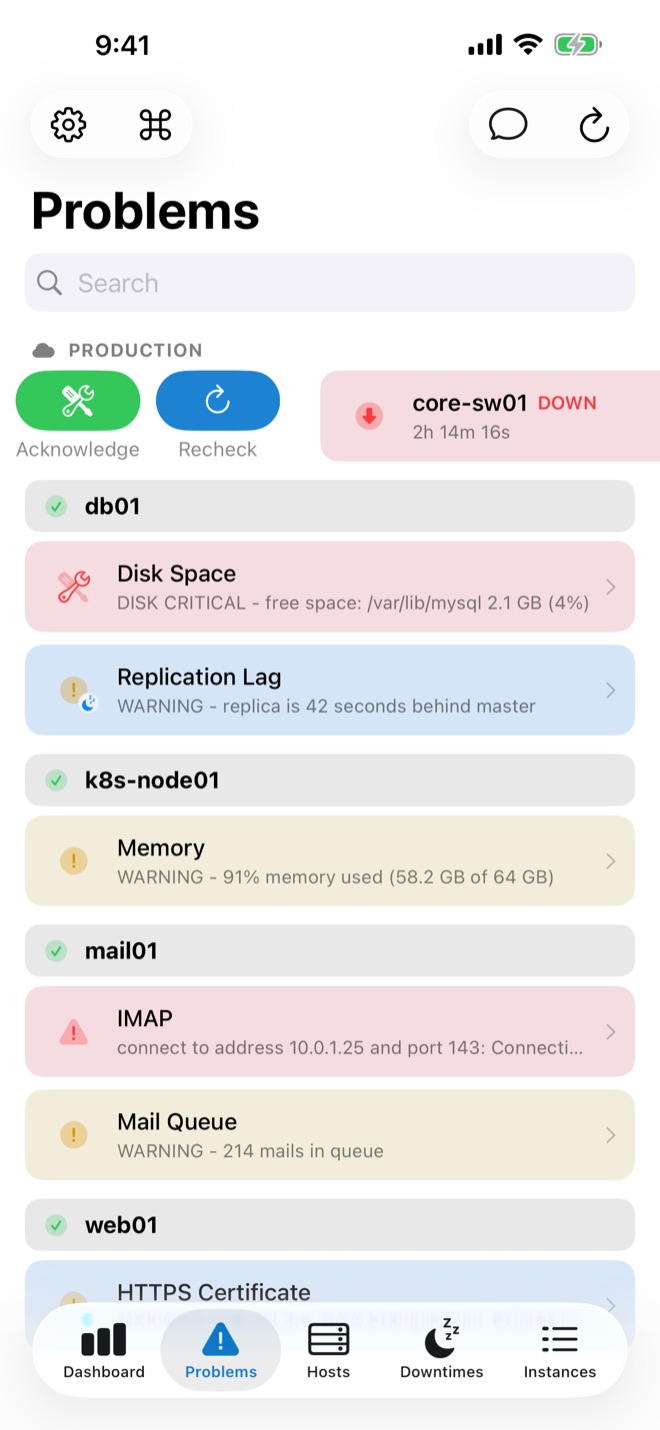
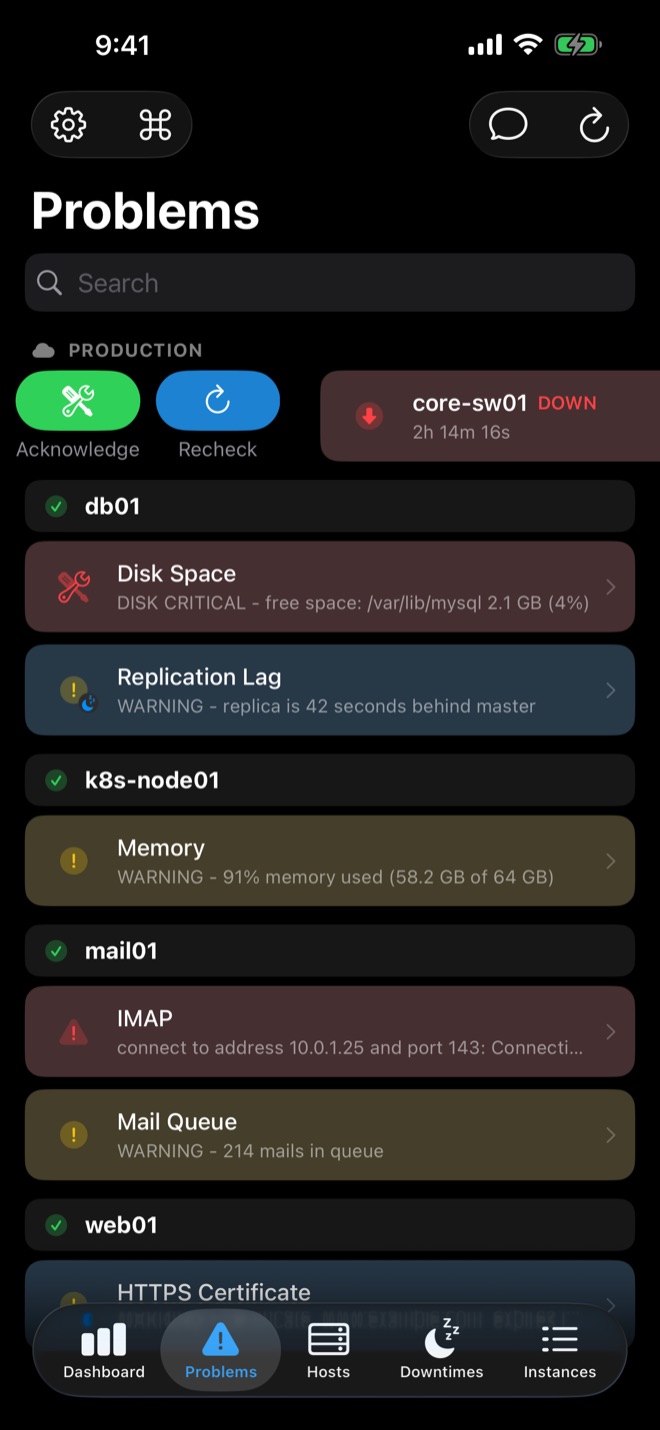
In the problems list, swipe a problem and tap Acknowledge; it uses your default comment. For your own comment, open the problem and tap Acknowledge. Acknowledged problems show author and comment in the app.
3. In bulk
Select several problems and acknowledge them at once. Bulk actions also cover recheck, downtime and notifications on or off.
Acknowledgements with expiry
On Icinga, Thruk with an Icinga core and checkmk's Micro Core, you can set an expiry time. If the problem is still there afterwards, notifications resume.
Acknowledgement or downtime?
Acknowledge problems you are working on. For planned work, schedule a downtime instead: scheduling downtime from your phone.
Related guides
Schedule downtime from your phone
Schedule and remove host and service downtimes on iOS.
Read the guide → NagiosNagios push notifications on iPhone
Send Nagios Core alerts to your iPhone as push notifications.
Read the guide → On-callCritical Alerts for monitoring
Alerts that sound in Do Not Disturb, Quiet Hours for the rest.
Read the guide →