
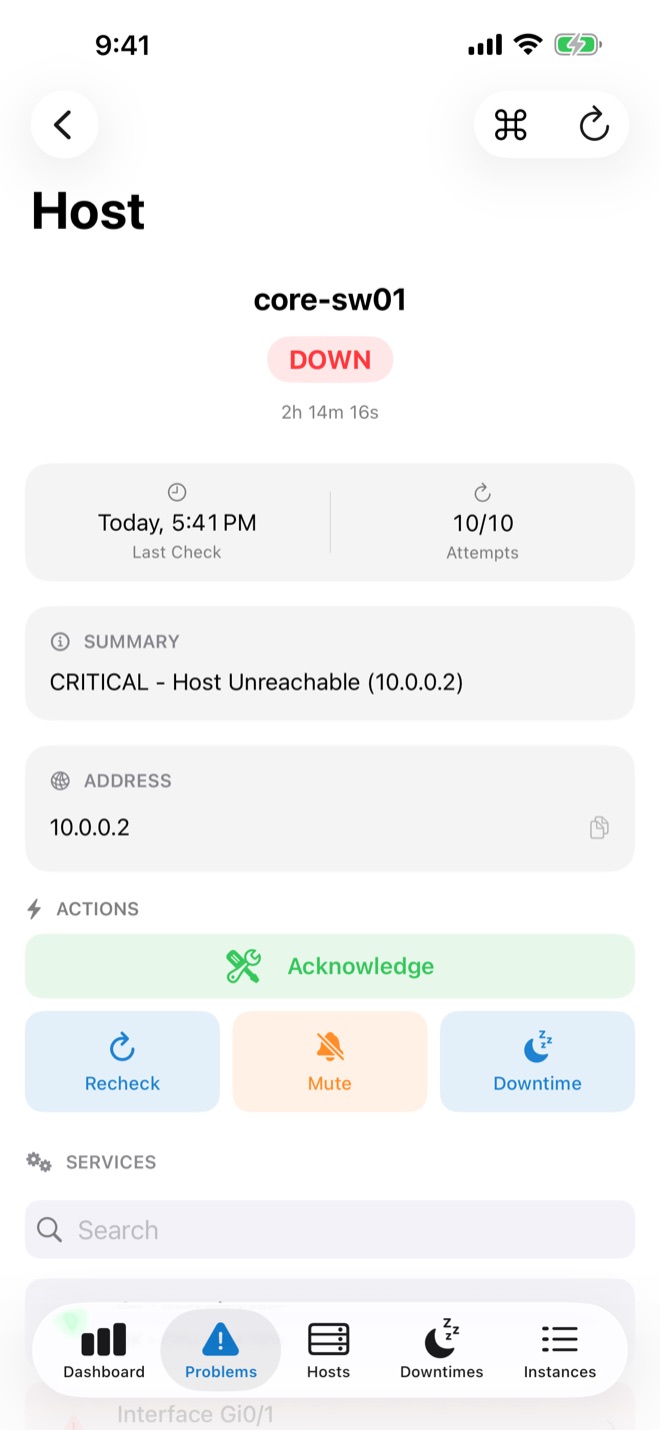
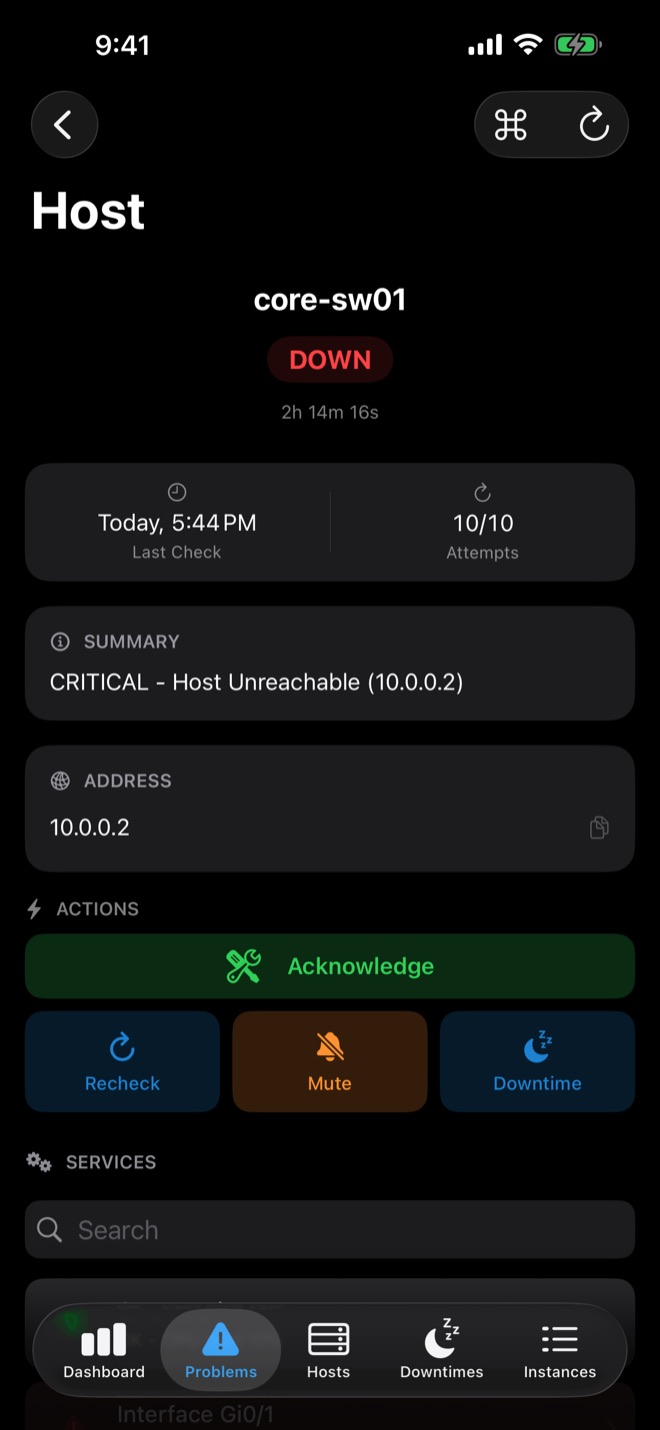
Step 1 — Connect
In the easyNag app, add an instance, choose Centreon and enter your Centreon URL, username and password. easyNag uses the Centreon API, so nothing needs to be installed on the server.
What you can do
- Dashboard and problems list, optionally unhandled only
- Host and service details
- Acknowledge with comment, recheck (API v2)
- Schedule and remove downtimes
- Swipe and bulk actions
Step 2 — Push notifications
Install the easynag_centreon.sh notification script on your central server and assign it to a contact. The steps are on the push setup page. Push notifications include a monthly allowance; an optional subscription adds more.
From a notification you can acknowledge or schedule a downtime directly. For outages that must wake you, use Critical Alerts.
Get easyNag on the App StoreiPhone, iPad & Mac
Download on theApp Store
Related guides
Nagios
Nagios push notifications on iPhone
Send Nagios Core alerts to your iPhone as push notifications.
Read the guide → ThrukThruk on iPhone
Use Thruk and the backends behind it from your iPhone.
Read the guide → WorkflowSchedule downtime from your phone
Schedule and remove host and service downtimes on iOS.
Read the guide →